Signing & transactions

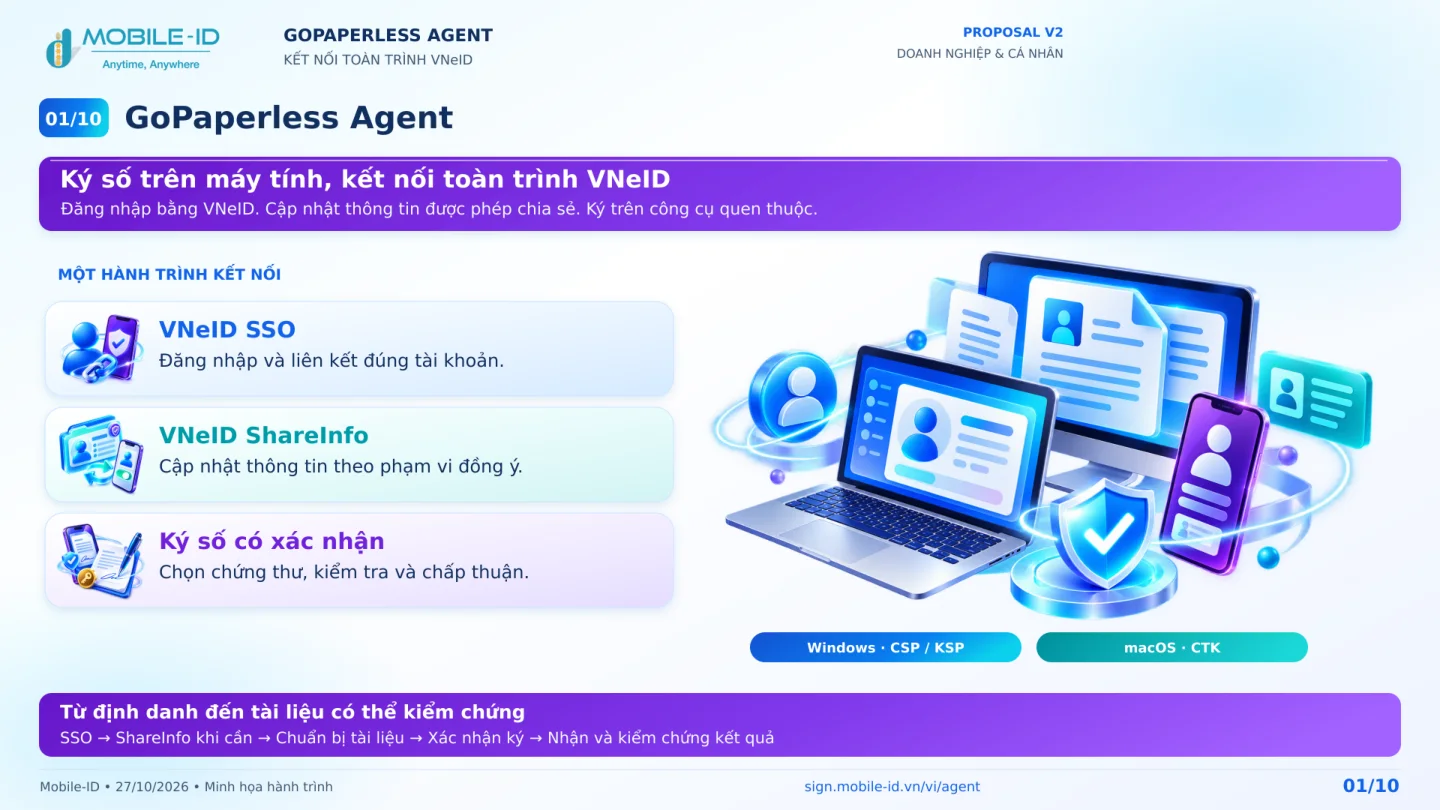
GoPaperless Agent

Plan signing journeys that work with desktop applications.

Start with the use case

Identify the application, operating system, signing method and IT deployment process. The Agent collection contains an overview presentation and brochure. Confirm support for the exact release, operating system and signing method in the project.

Agent architecture overview
Desktop environment discovery
End-to-end test preparation

Clarify before implementation

  1. Which applications and operating-system versions are in scope?
  2. Who manages certificates and the signing method?
  3. Who installs, updates and supports the desktop environment?

Prepare a system diagram, a representative case and technical contacts. Confirm capabilities, prerequisites and applicable versions with the implementation team.

Source reading guides

Source read

Desktop signing integration with vCSP / CTK

The brochure describes Windows CNG and macOS CryptoTokenKit integration for requesting remote signatures from desktop applications. It refers to Office and Acrobat use cases and prerequisites. Validate support against the actual application and release.

Read the resource guide

Source document

Confirm version and scope with the implementation team before use.

Solution proposals

System integration

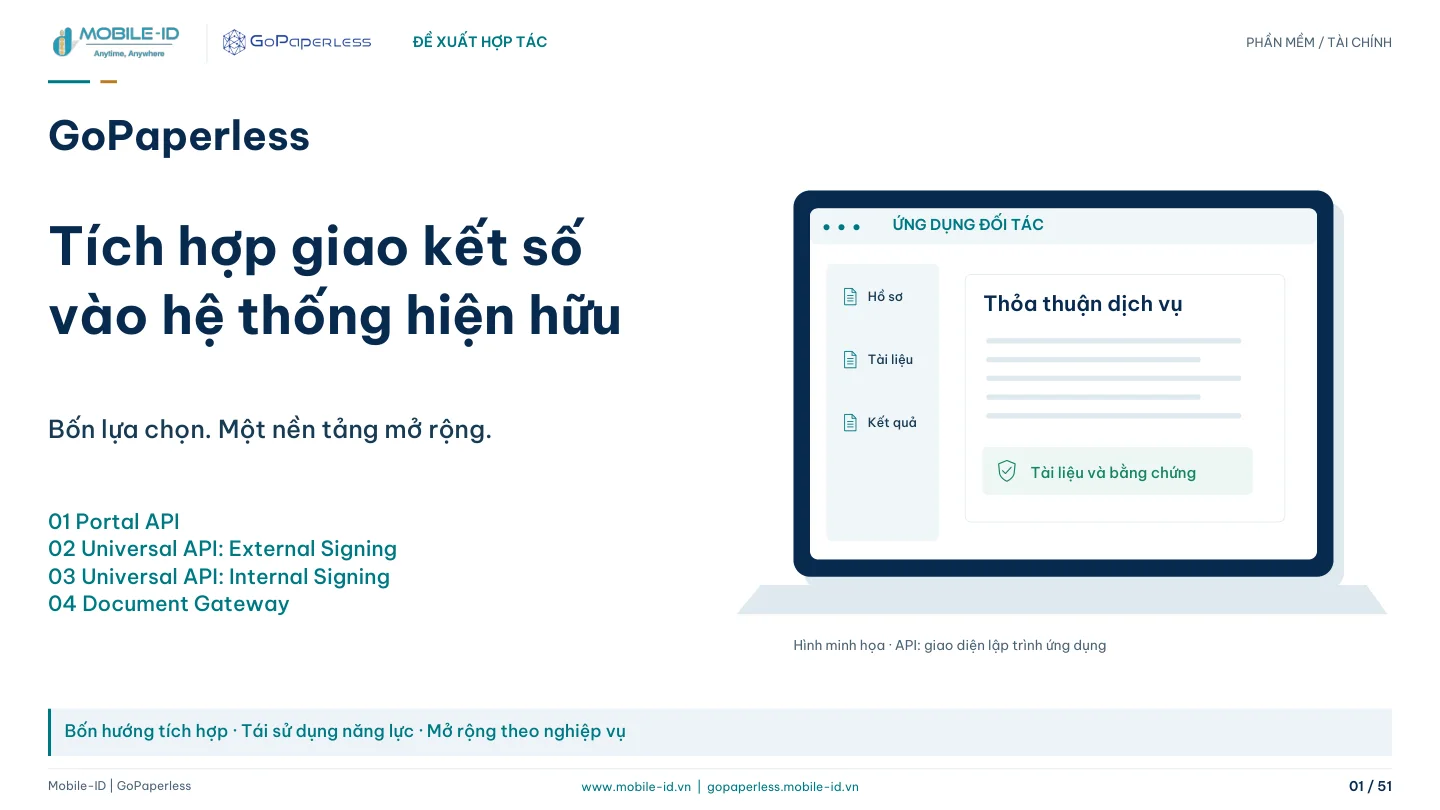
Integrating GoPaperless into existing software

For ISVs and integration teams adding documents, approvals and signing to existing software. Four approaches—Portal API, Universal External Signing, Universal Internal Signing and Document Gateway—are selected by workflow ownership and signer experience.

51 pages · Vietnamese PDF
Signing & records

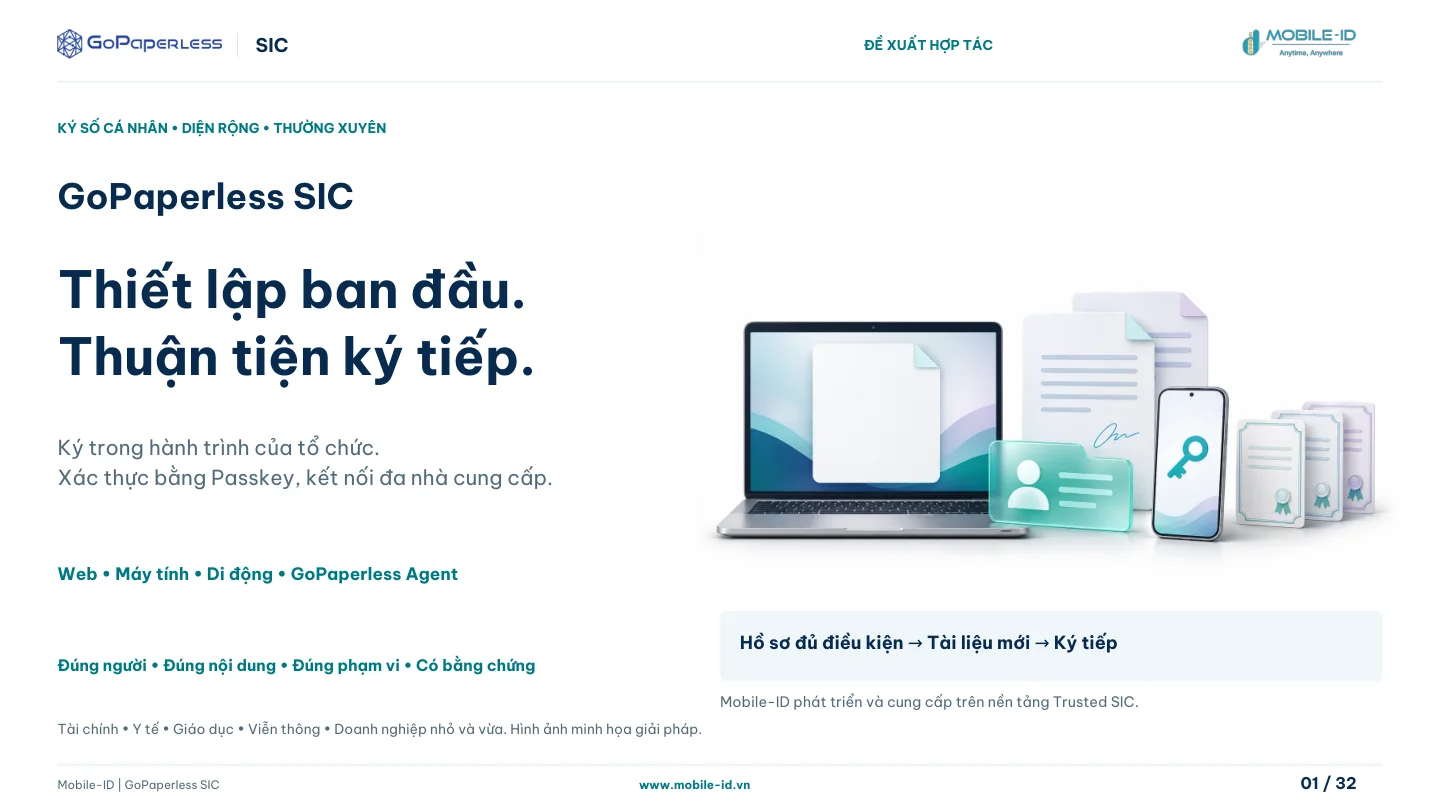
GoPaperless SIC: reusable signing profiles

Separates initial signing-profile setup from subsequent signing requests. An eligible profile may be reused, while each new request still binds the person, document, certificate and permission scope.

32 pages · Vietnamese PDF
Next step

Where does your project begin?

Share your current systems and intended outcomes to plan the next integration step.

Discuss your project