 Knowledge Hub
Overview — GoPaperless · Finance
[View PDF ↗]A overview resource in the GoPaperless · Finance collection. Check the source for model, version and scope before use.
Brochure_GoPaperless_and_Finance.pdfOrganise documents, approvals and signing around a business workflow.
Start with a document lifecycle: preparation or intake, review, approval, signing and result delivery. GoPaperless resources cover platform capabilities and departmental use cases. Agree on the applicable service scope and technical specification before integration; a brochure is not an API contract.
Prepare a system diagram, a representative case and technical contacts. Confirm capabilities, prerequisites and applicable versions with the implementation team.
Confirm version and scope with the implementation team before use.
A overview resource in the GoPaperless · Finance collection. Check the source for model, version and scope before use.
Brochure_GoPaperless_and_Finance.pdfA overview resource in the GoPaperless · Public sector collection. Check the source for model, version and scope before use.
Brochure_GoPaperless_and_Public_Sector.pdfA overview resource in the GoPaperless · Telecommunications collection. Check the source for model, version and scope before use.
Brochure_GoPaperless_and_Telecommunications.pdfA overview resource in the GoPaperless · Human resources collection. Check the source for model, version and scope before use.
Brochure_HR_Teams_and_GoPaperless.pdfA overview resource in the GoPaperless · Legal teams collection. Check the source for model, version and scope before use.
Brochure_Legal_Teams_and_GoPaperless.pdfA overview resource in the GoPaperless · Procurement collection. Check the source for model, version and scope before use.
Brochure_Procurement_Teams_and_GoPaperless.pdfA overview resource in the GoPaperless · Sales teams collection. Check the source for model, version and scope before use.
Brochure_Sales_Teams_and_GoPaperless.pdfA overview resource in the GoPaperless · Electronic forms collection. Check the source for model, version and scope before use.
GoPapeless Branch e-Form Brochure.pdfA overview resource in the GoPaperless · Features collection. Check the source for model, version and scope before use.
GoPaperless Features Brochure.pdfThe brochure covers document creation, sharing, approval and signing, including workflow, templates and deployment options. It mentions RESTful/JSON integration. Confirm version-specific conditions and configurations.
Brochure_GoPaperless_20250819.pdfA presentation resource in the GoPaperless collection. Check the source for model, version and scope before use.
GOPAPERLESS GATEWAY_20240731_EN (Read Only).pptxA presentation resource in the GoPaperless collection. Check the source for model, version and scope before use.
GOPAPERLESS GATEWAY_20240731_VN (Read Only).pptxA presentation resource in the GoPaperless collection. Check the source for model, version and scope before use.
PPT_Overview GoPaperless_20250820 (Read Only).pptxA policies & terms resource in the GoPaperless · Information sharing collection. Check the source for model, version and scope before use.
GoPaperless_CanhBaoRuiRoQuyenThuHoiChiaSeThongTinVNeID.pdfA policies & terms resource in the GoPaperless · Information privacy collection. Check the source for model, version and scope before use.
GoPaperless_ChinhSachBaoMatThongTin.pdfA policies & terms resource in the GoPaperless · Data collection & processing collection. Check the source for model, version and scope before use.
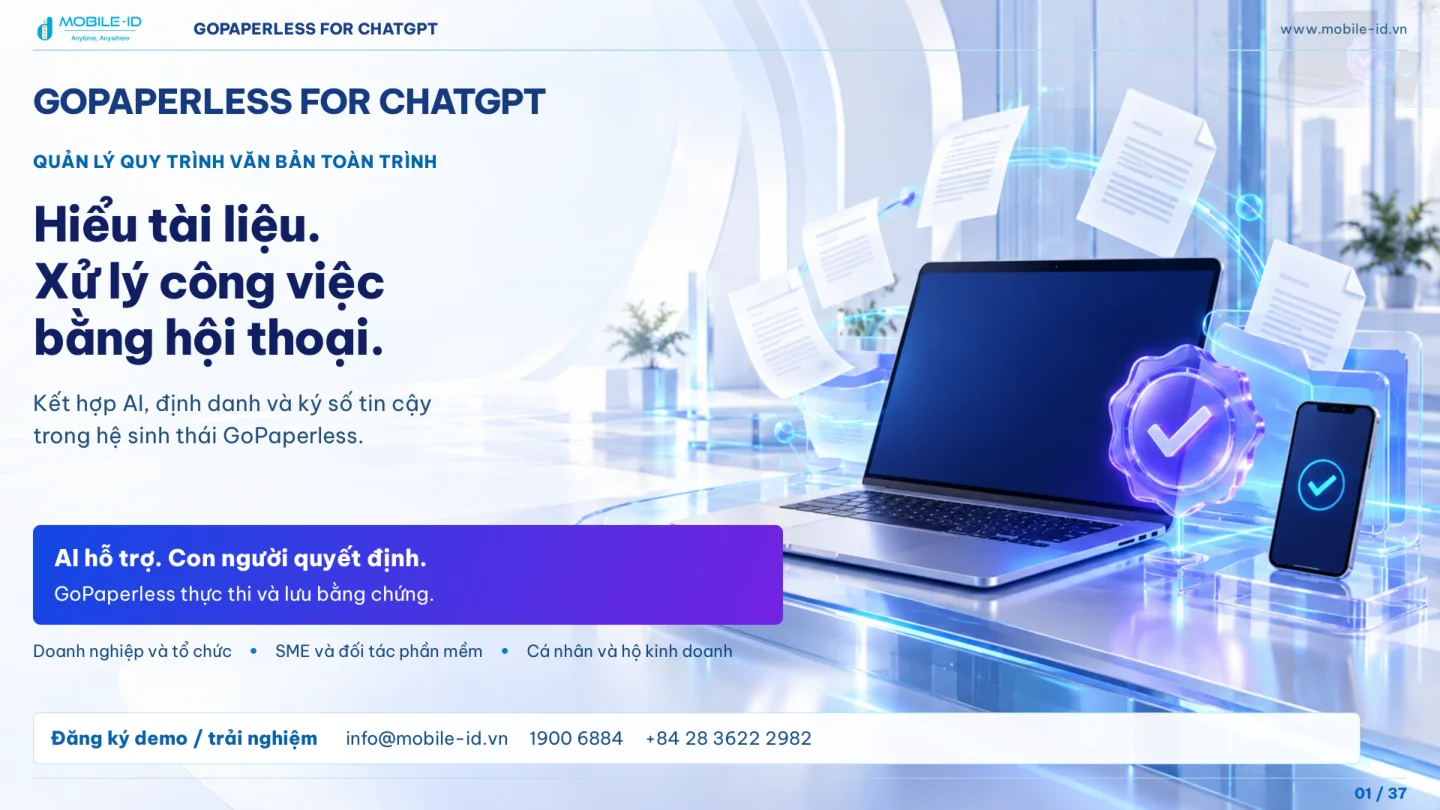
GoPaperless_ChinhSachThuThapVaXuLyDuLieuCaNhan.pdfBrings document tasks into conversation: locating cases, reviewing requests, updating, approving and signing within permissions. GoPaperless manages workflows, versions and evidence; ChatGPT helps users understand and prepare actions.
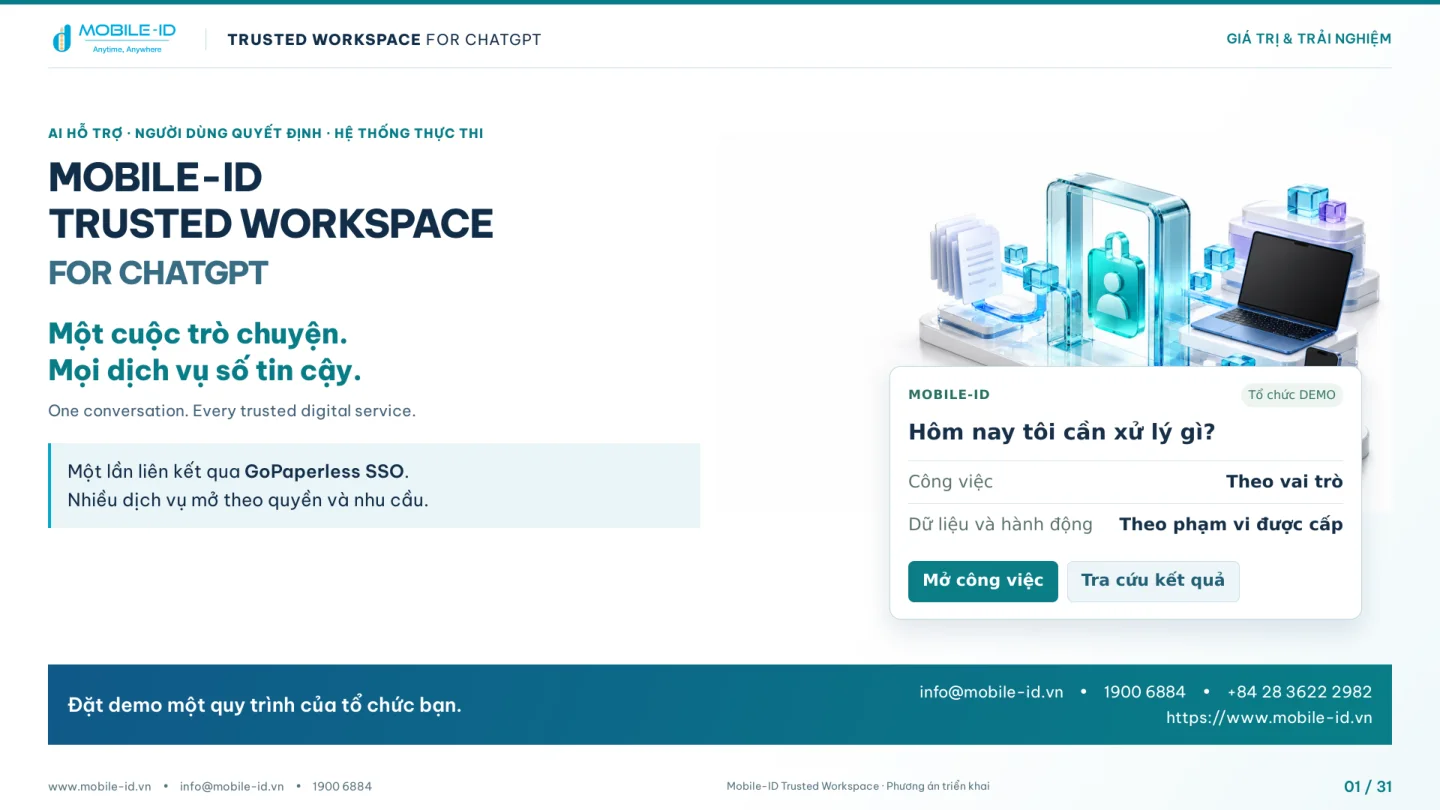
Proposes access to organisational work and Mobile-ID services in ChatGPT. GoPaperless SSO links identities, while each service independently checks permissions, states and prerequisites.
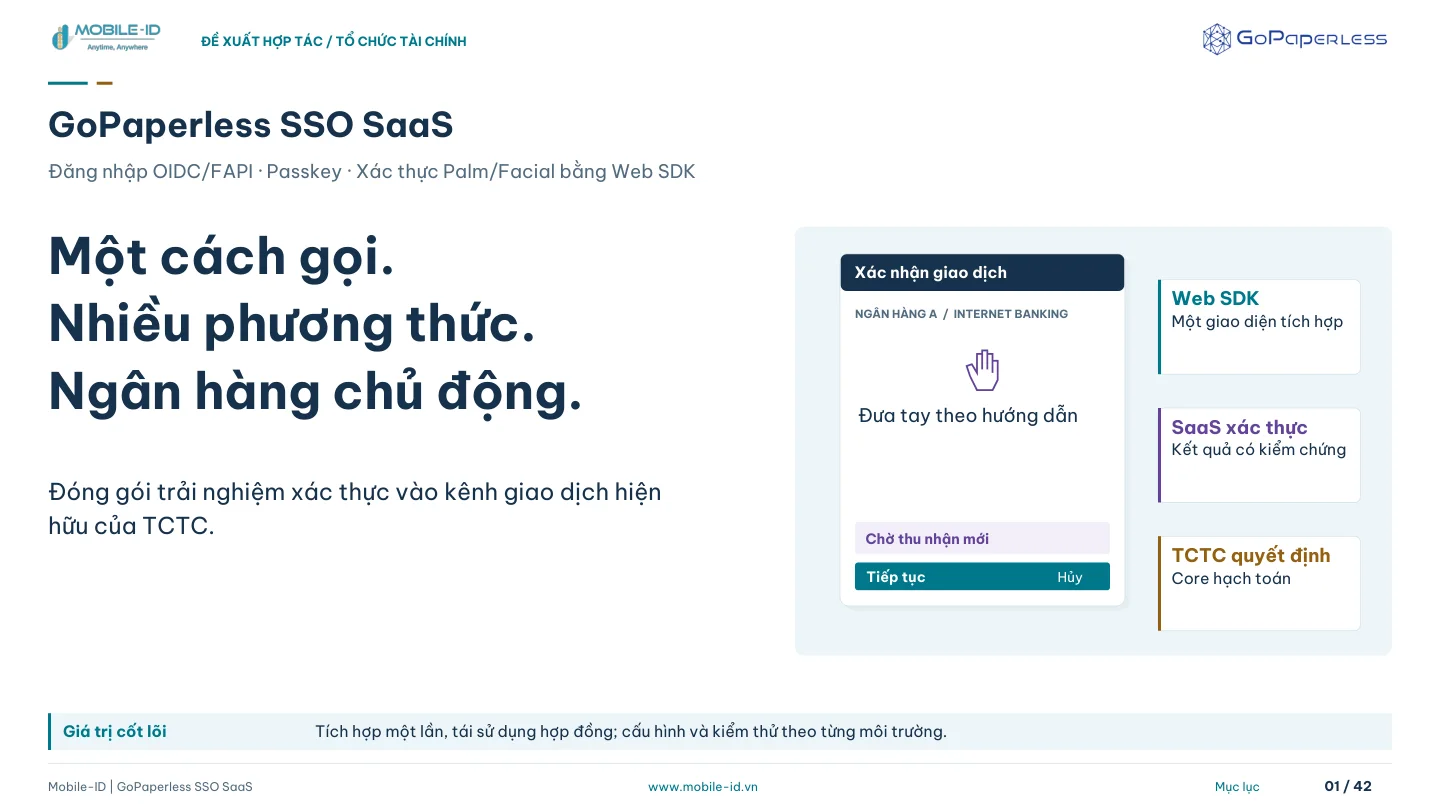
A proposal for adding OIDC/FAPI and Passkey sign-in and Palm/Facial verification to an existing banking channel. Three integration points are separated: BFF for sign-in, Web SDK for interaction and Backend for evidence validation. Transaction decisions and posting remain with the financial institution.
Share your current systems and intended outcomes to plan the next integration step.